How to create a robot lab: prevent your students from accessing the robot filesystem
We do not recommend that you allow students to directly access the robots of the labs by doing ssh.
If you do that, your students will quickly spread around the filesystem, breaking it and fill it with multiple files and modifications to the initial configuration.
For that purpose we provide you with the option of creating a robot lab where the students connect through the Robotics Learning Studio platform.
Schematics:
IMPORTANT
Only teachers can create a robot lab at the Robotics Learning Studio
Step 1: create the lab at the Robot Learning Studio
- Log into your teacher account at app.theconstruct.ai
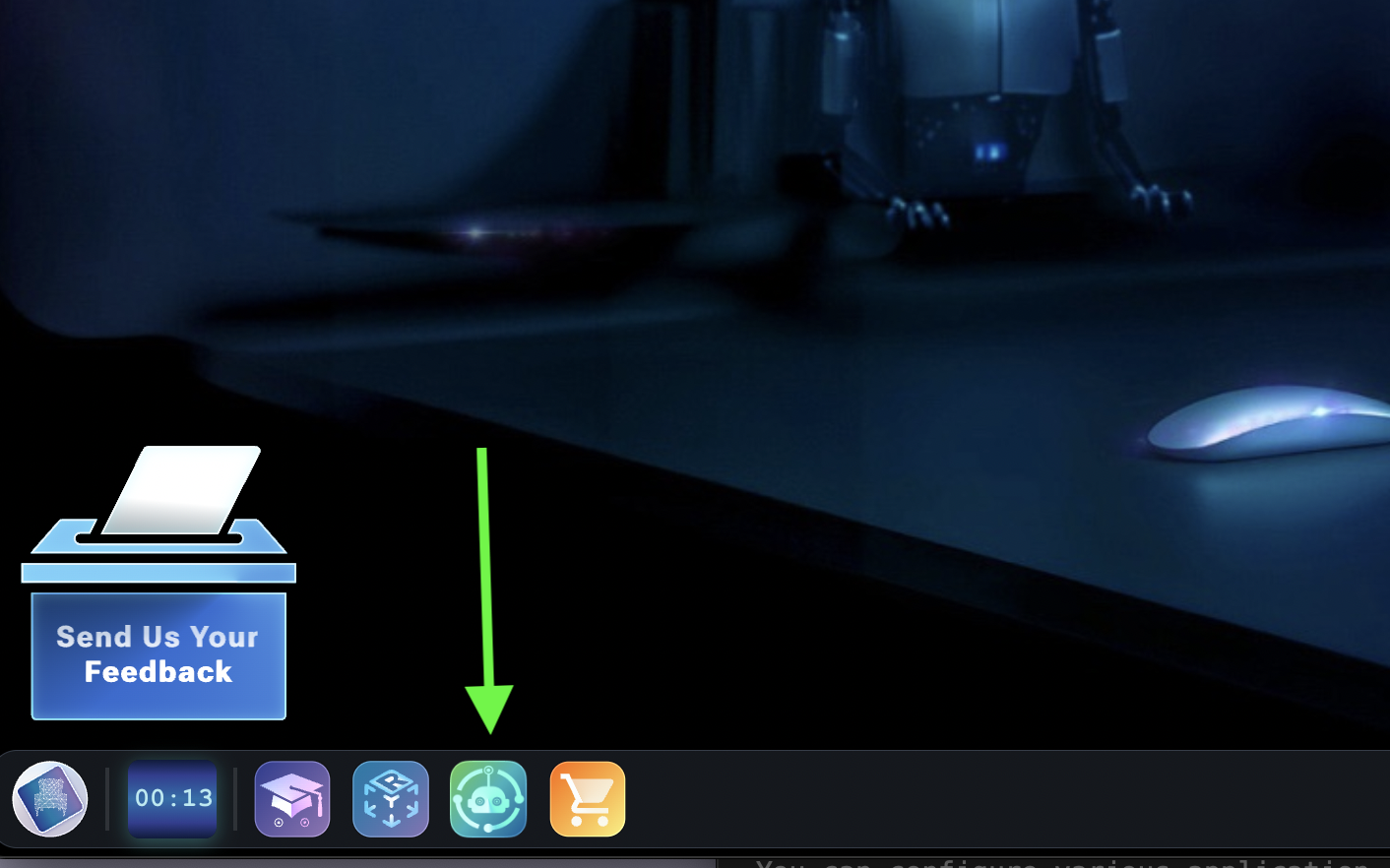
- Open the application
RobotConnectfrom the icons of the bottom left
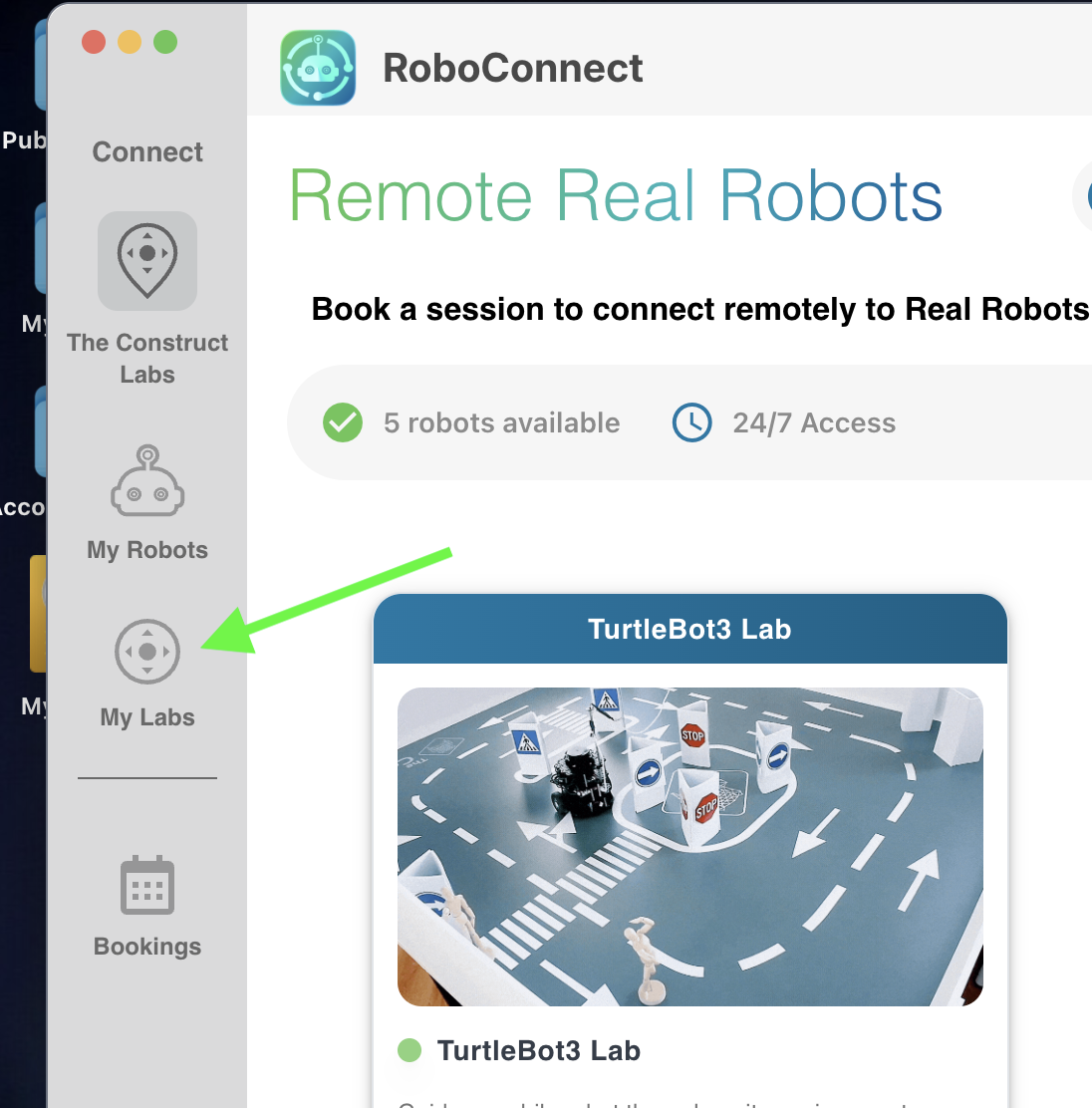
- Then click on the option
My Labs
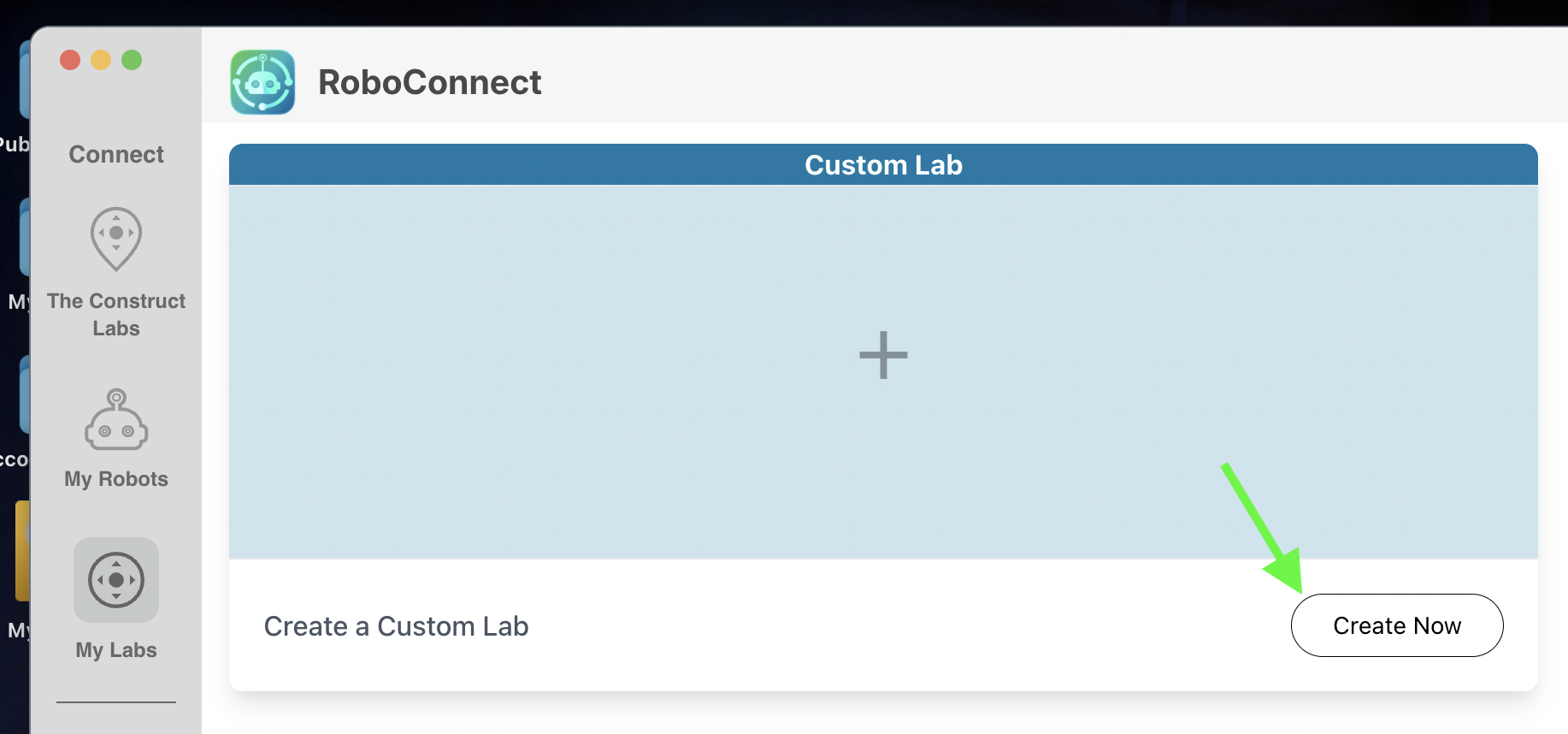
- Click on
Create Now
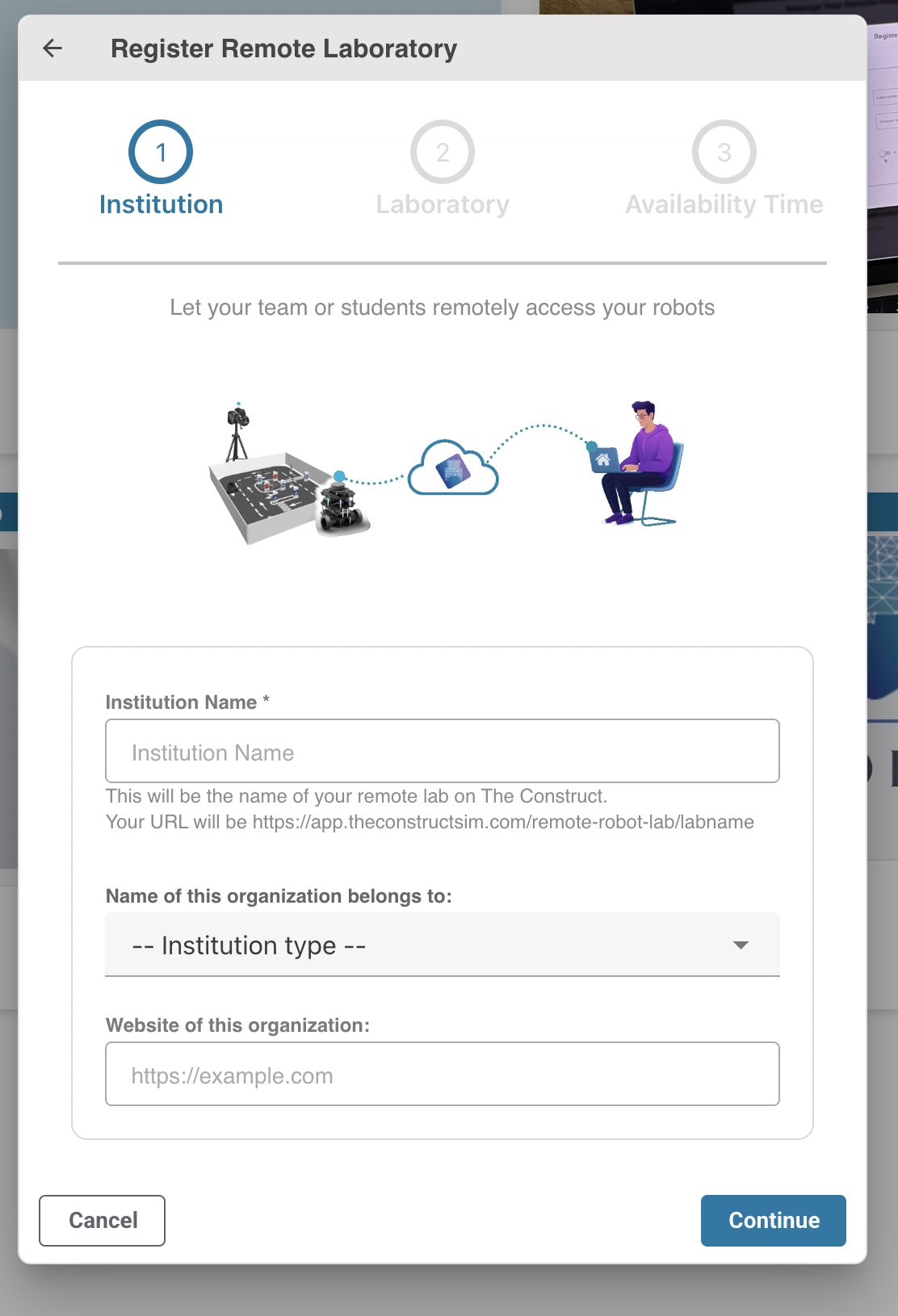
- Fill all the data on the form that appears
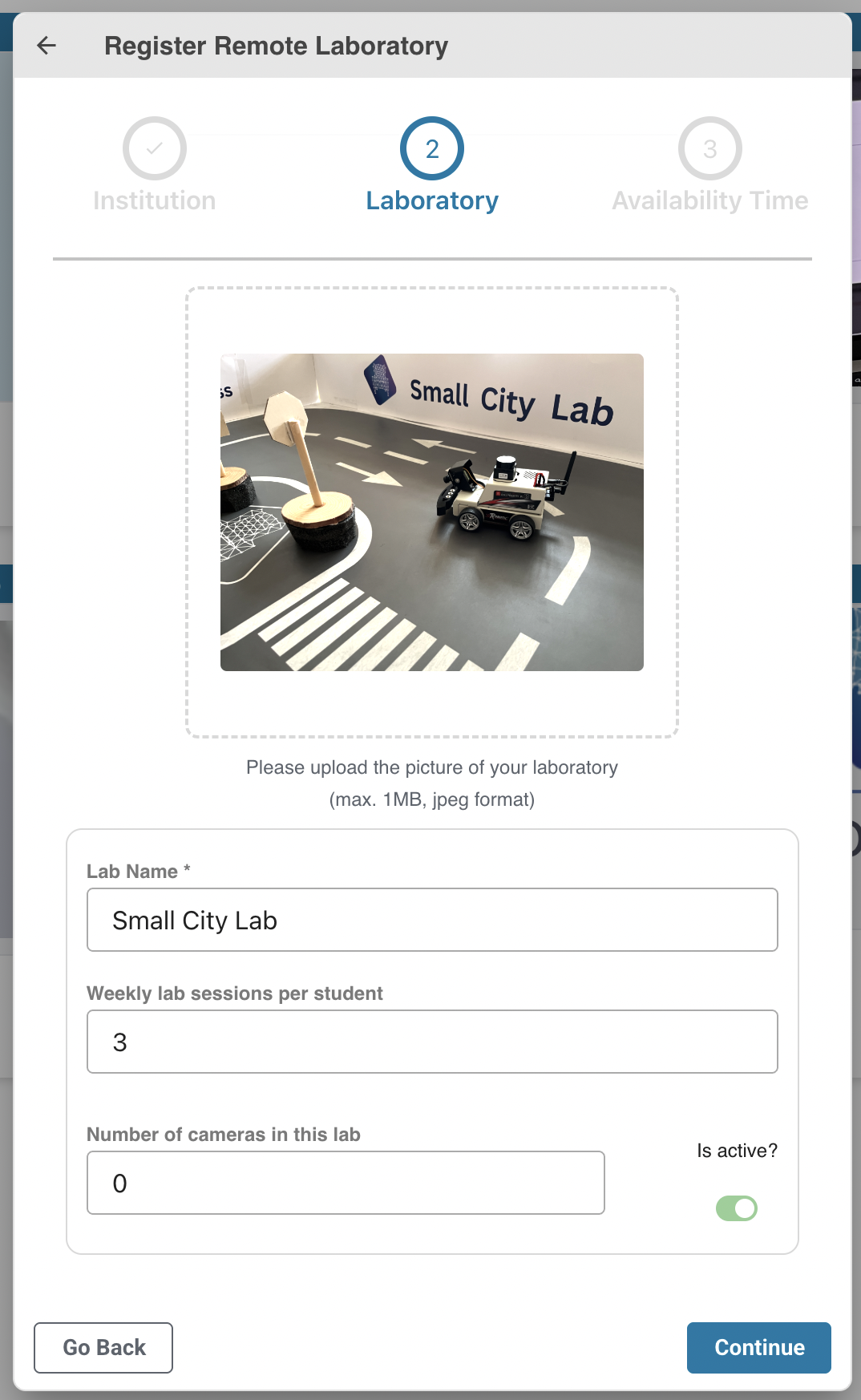
- Add a picture to identify the lab. Add a number of sessions for each student per week, and put zero as the number of cameras
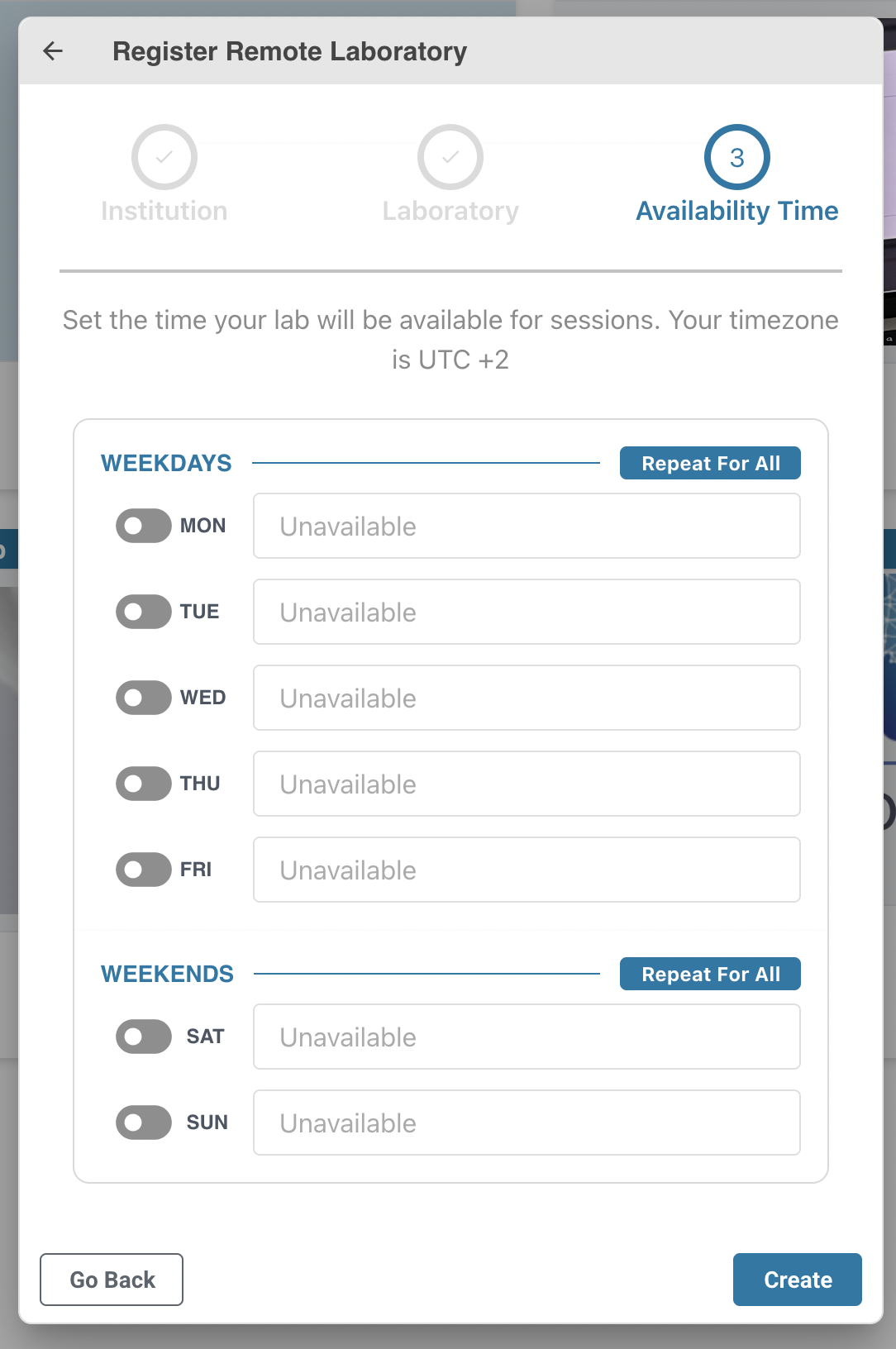
- Finally, skip the step of defining the agenda. Just press the
Createbutton
Step 2: register each robot in your lab
1. Add the robot to the lab
-
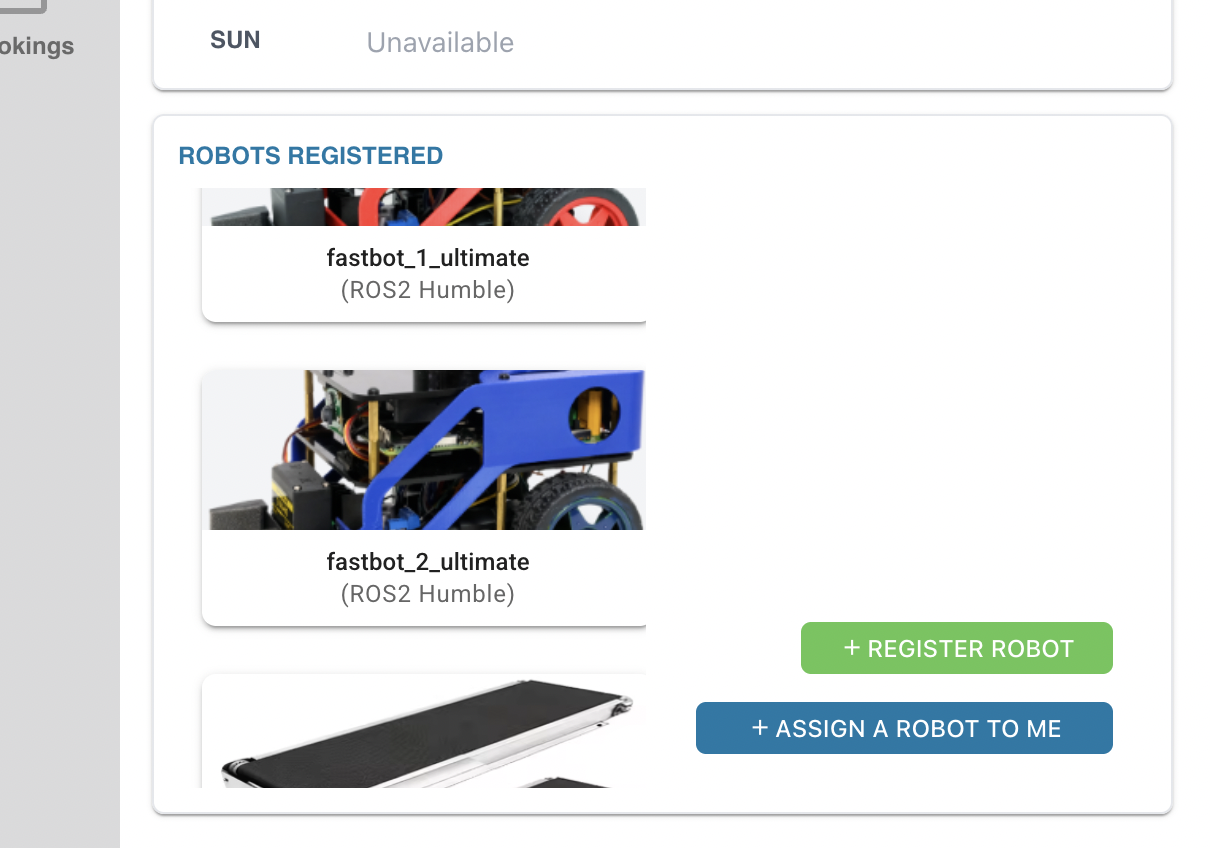
You need to register in your lab each of the robots that you have (Fastbots PRO , arm robot, and conveyor belt)
-
On the application
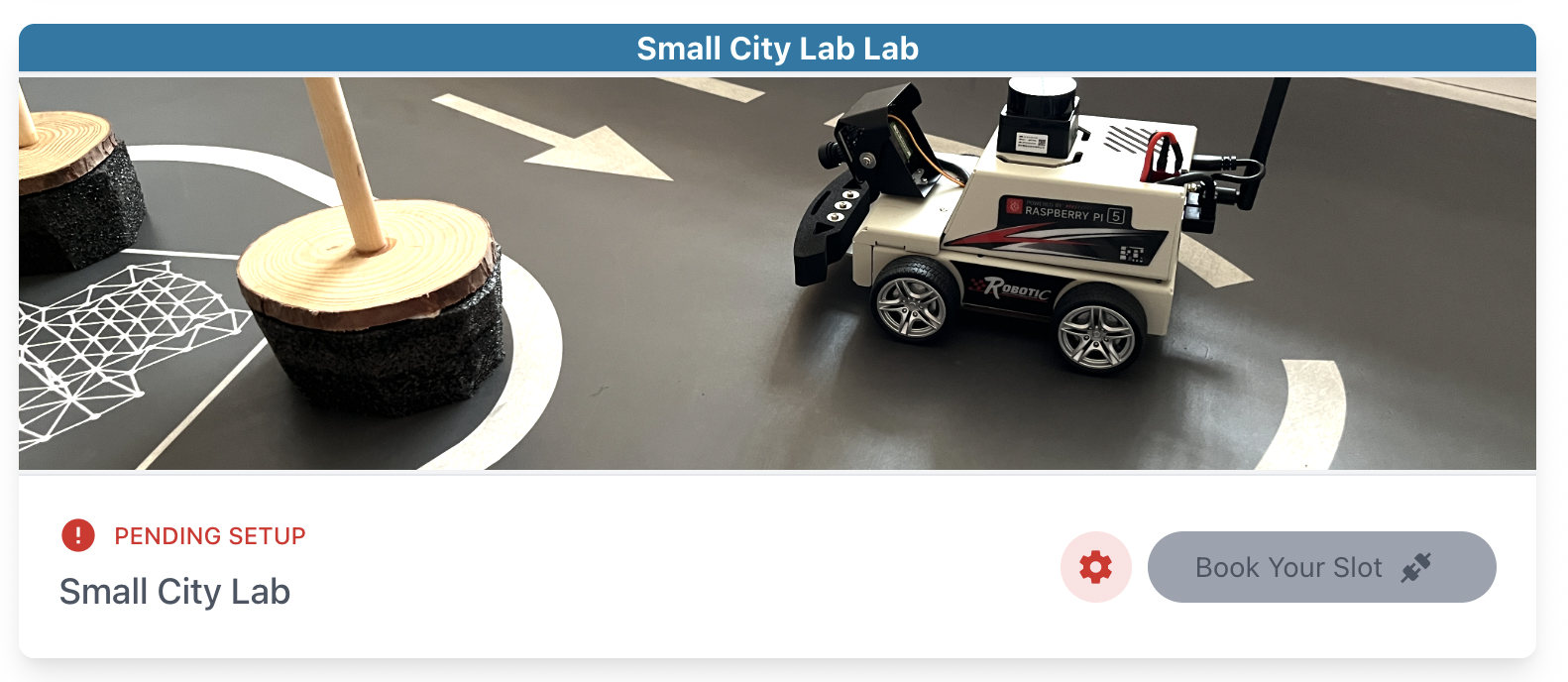
RobotConnect, click on theMy Labsand search on the list of your labs the one you just created. Then press thegear iconto configure the lab
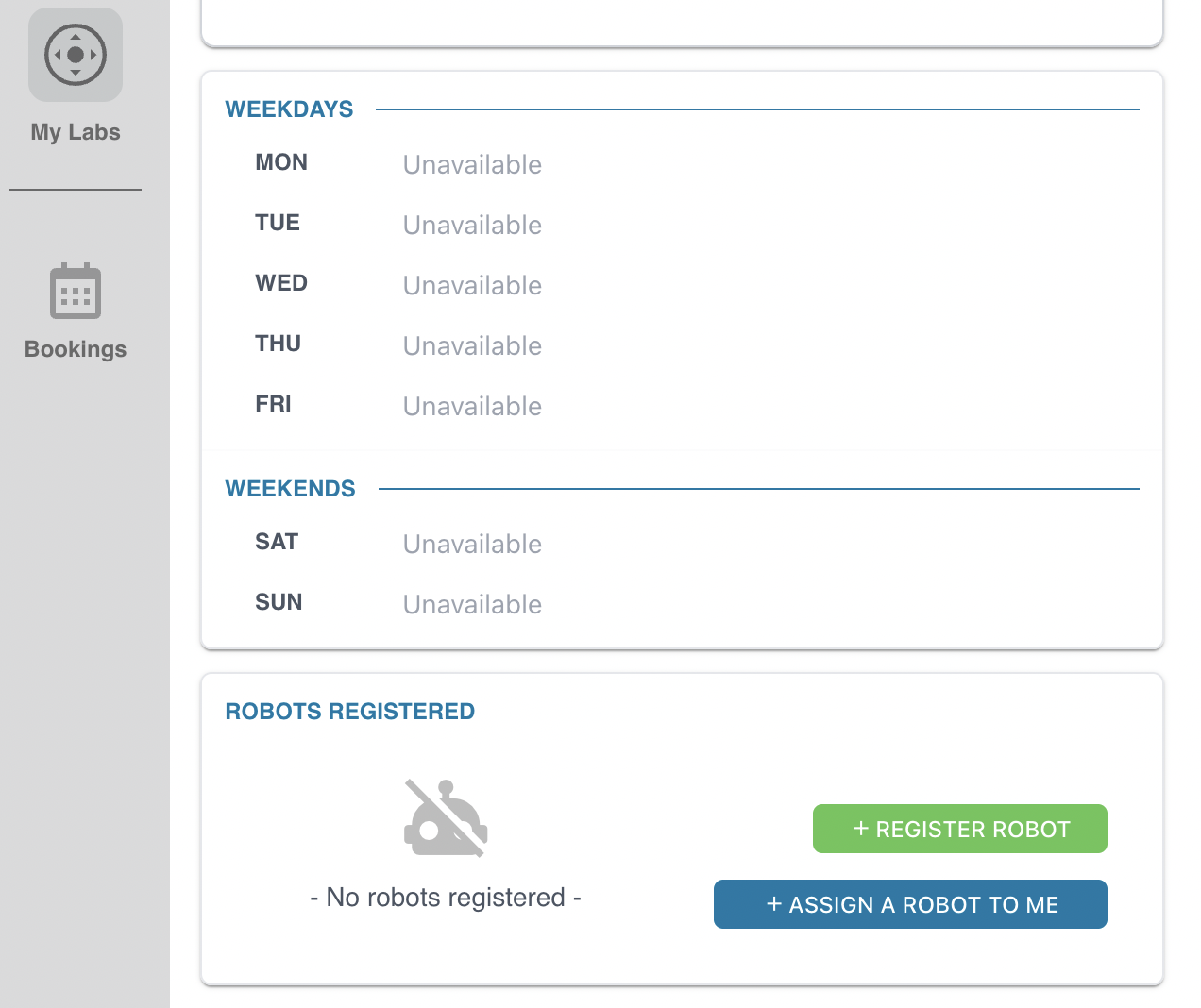
- Go down on the screen and select the option
Register a robot
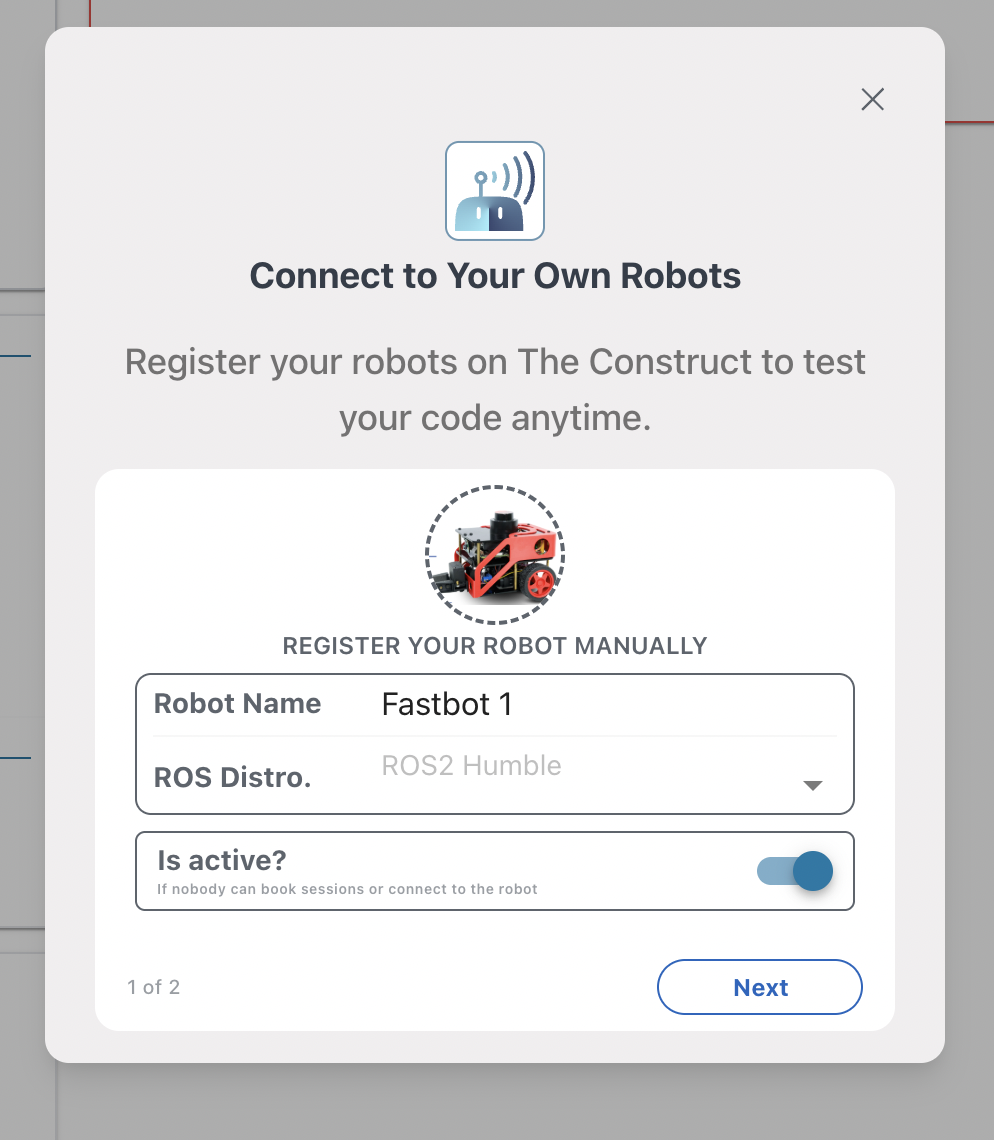
- Add a picture to identify the robot
- Add the name of the robot you want to register
- Indicate the ROS distribution installed in the robot
- Click on
Is active
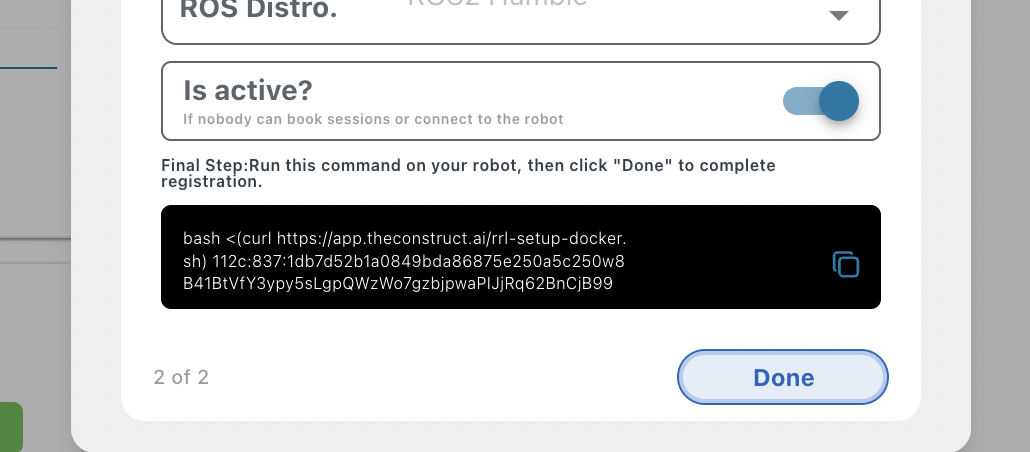
- Then copy the code that appears
2. Add the code to the robot
- Do an ssh to the robot
- On the terminal in the robot, paste the code you copied in the previous step
Now the first robot is fully registered in the lab and your students can access to it from a cloud project (rosject)
Repeat the same process with all the other robots, including the robot arm and the conveyor belt.
At the end your lab should have 3 Fastbot PROs robots, the robot arm and the conveyor belt registered