Battery management: hot swap!
The Fastbots PRO include a how swap battery system, providing two sets of cables to provide energy to the robot.
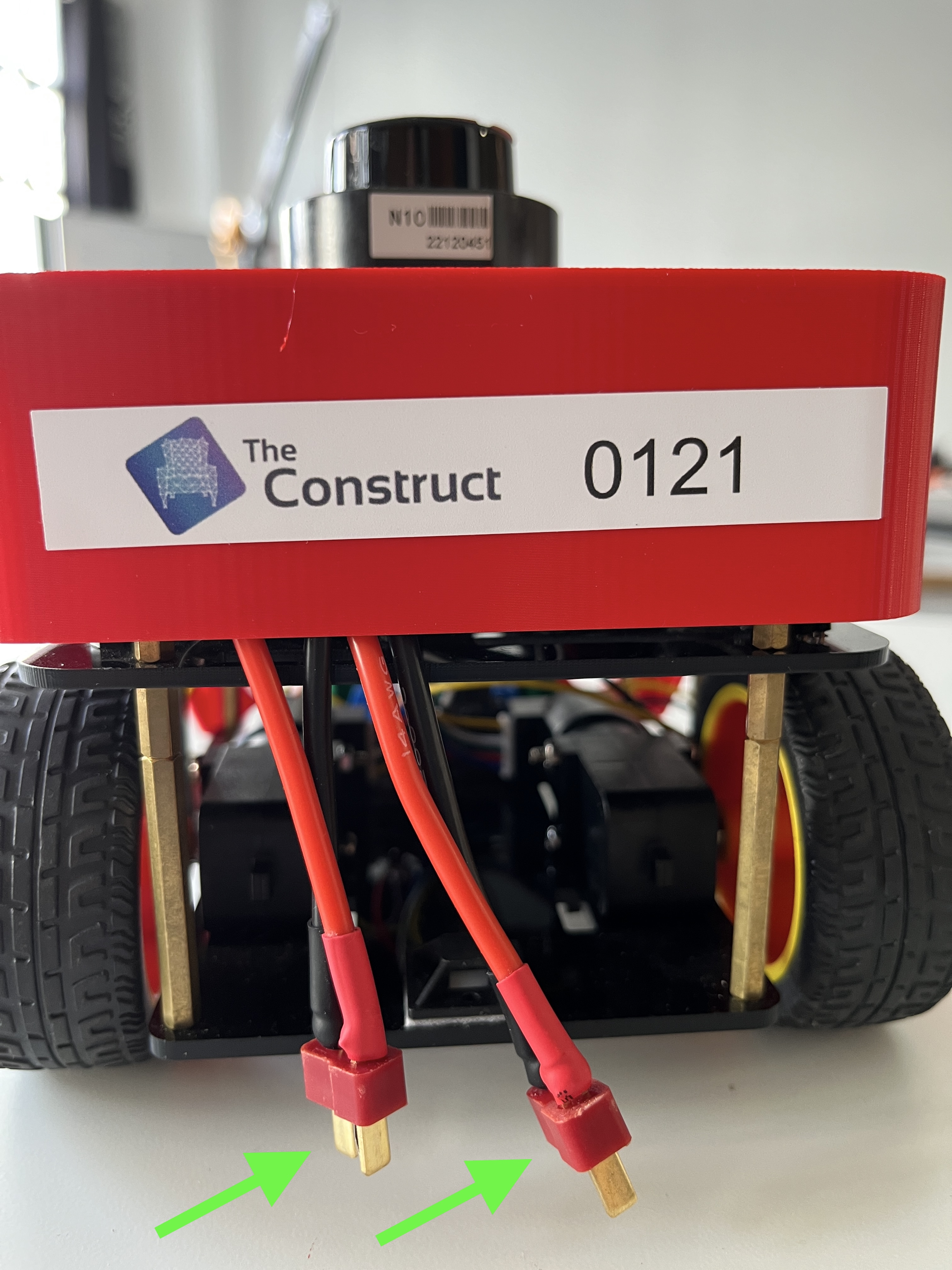
This means that you can change the battery while the robot is still switched on.
When you detect the batteries are low (see next section), do the following:
- We start with a battery connected to the port number 1
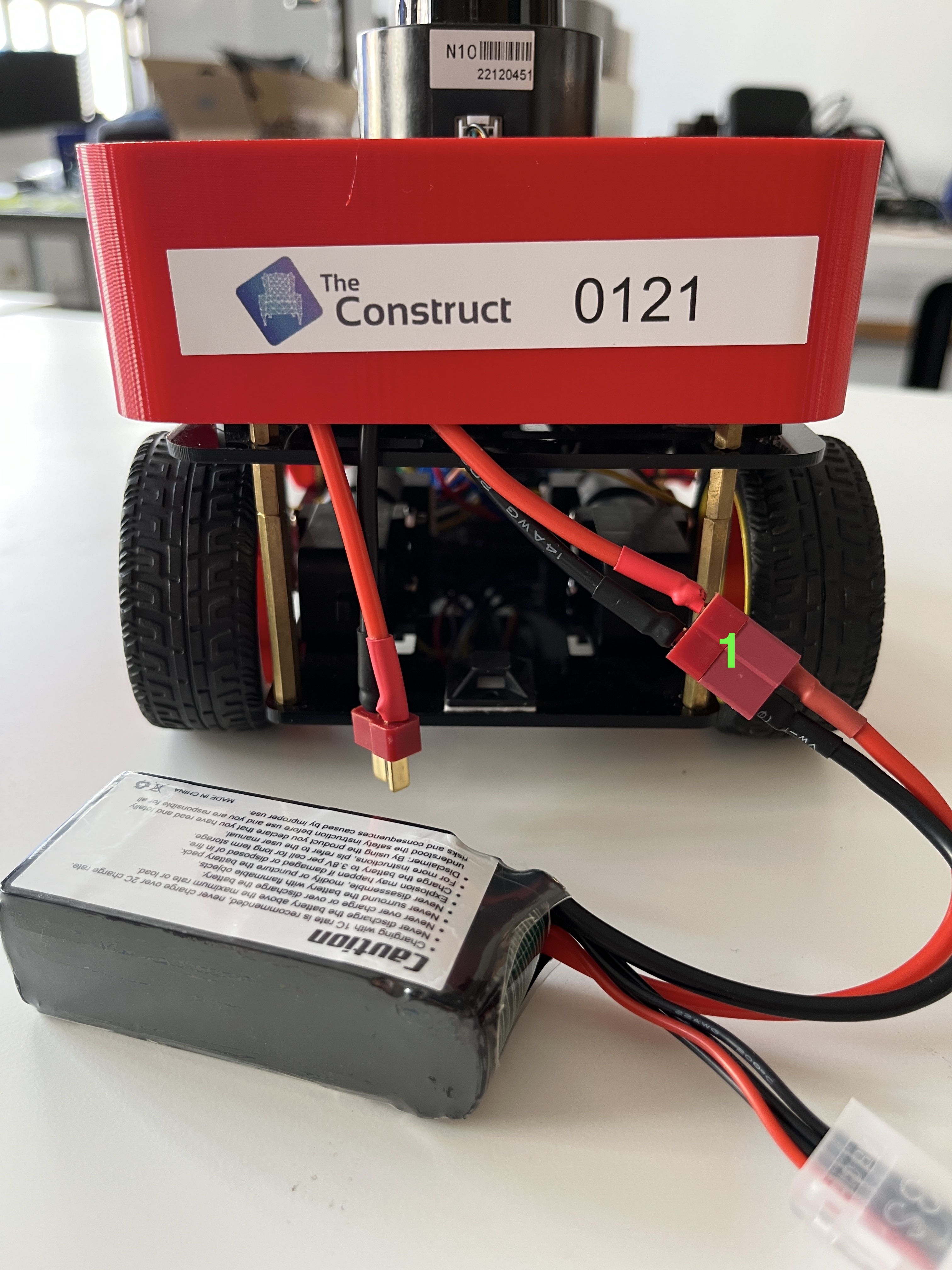
- Just get the new battery and connect it to the battery cable available
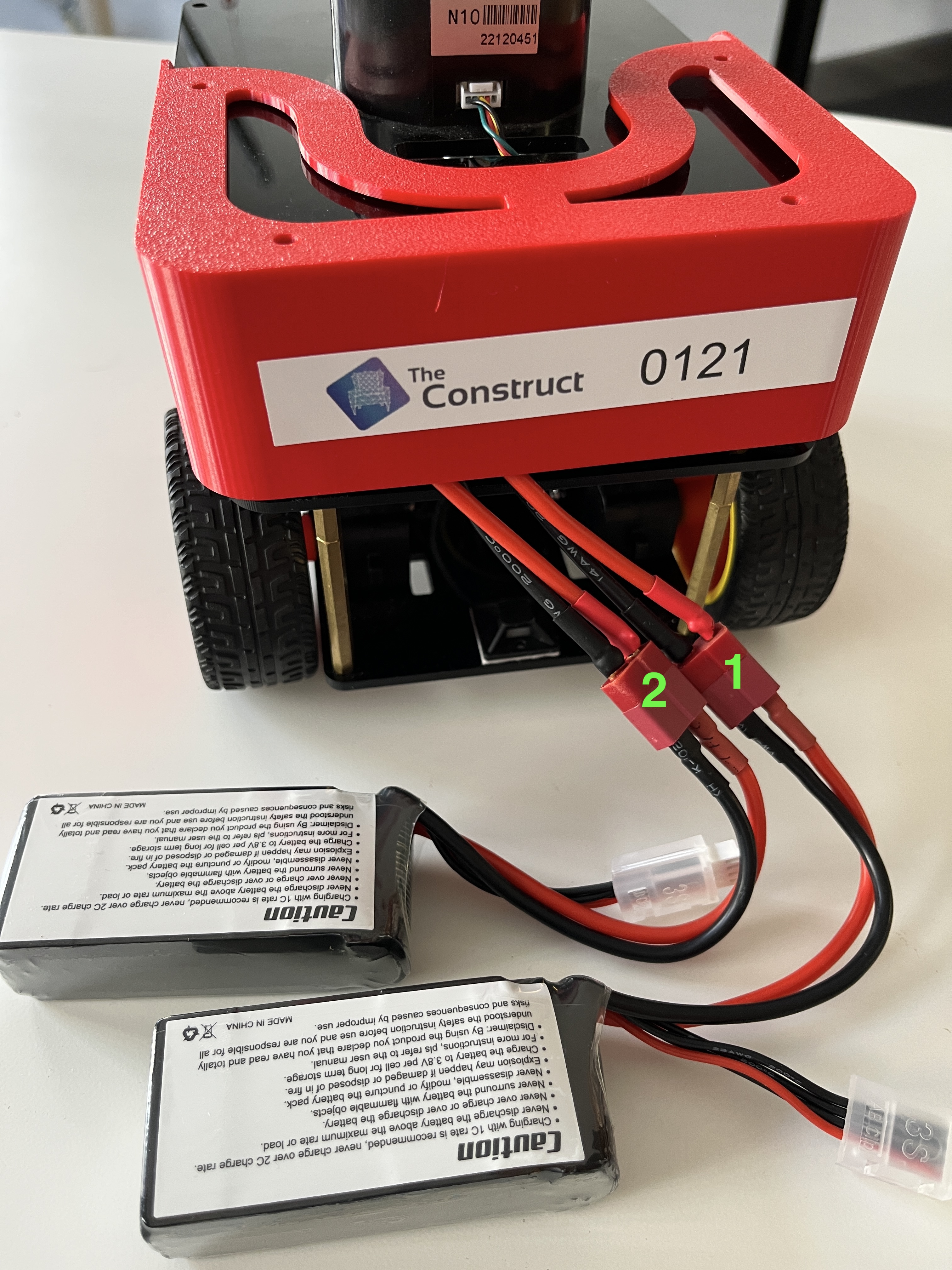
- Then unplug the dried battery and send it to charge
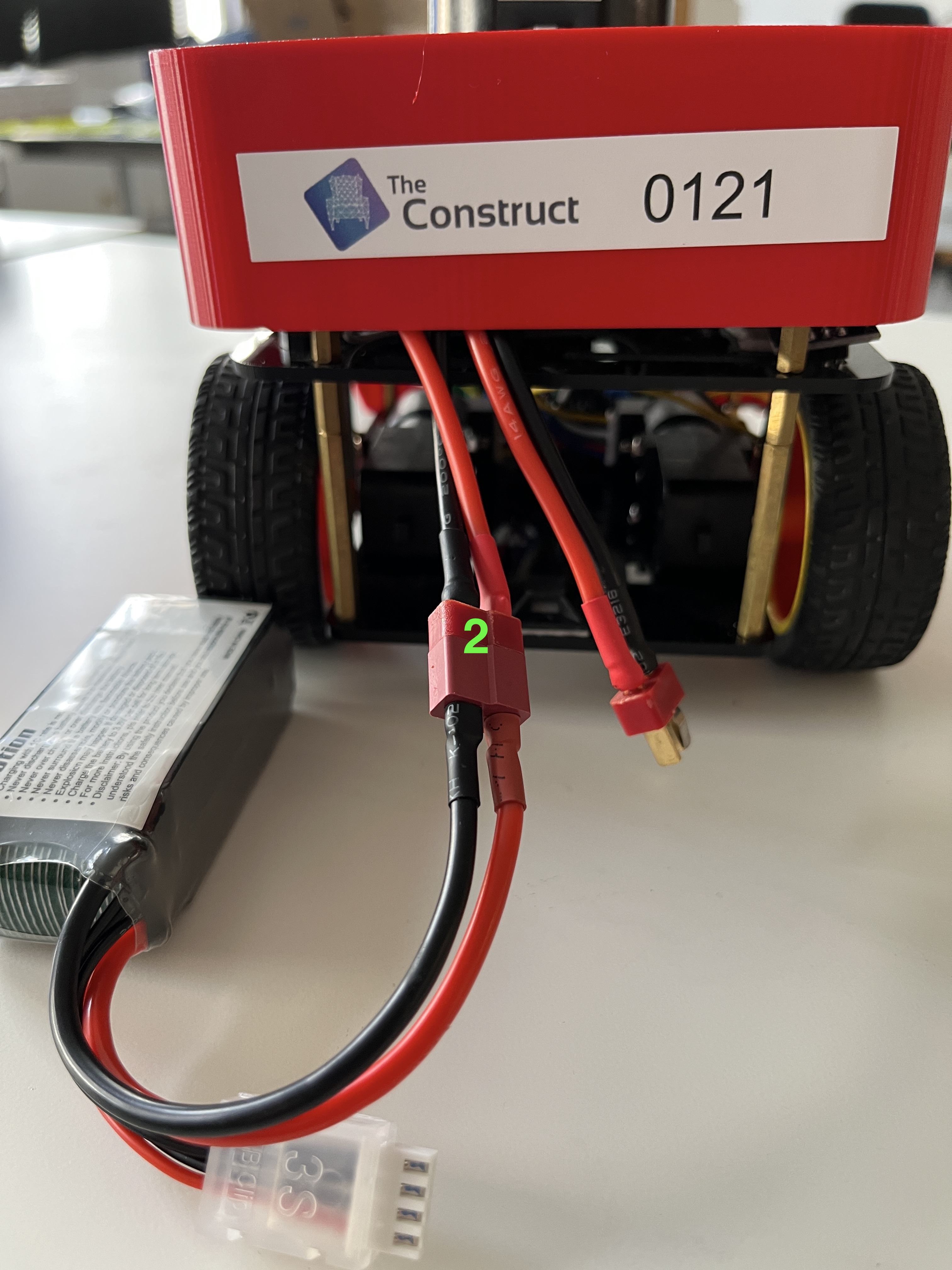
The robot should continue without any problem as if nothing happened, and your students can keep working uninterruptly
Check the battery status
Every Fastbot PRO has a set of topics that provides the current status of the batteries. The topics are (for Fastbot 1):
/fastbot_1/battery_status: displays a message with a combination of both battery ports status/fastbot_1/battery_status/battery_a: the status of the battery number 1/fastbot_1/battery_status/battery_b: the status of the battery number 2
Check the status of the batteries:
ros2 topic echo /fastbot_1/battery_status